Pages
Pages
Arrow Right Black
Arrow Right Black
Calendar Icon

December 17, 2025

How Our Studio Access Code System Works

Brendan Creaser

Director at Bohemia Bay Studio

Self‑entry, simplified — how our access‑code system keeps your studio hire secure

Welcome to Bohemia Bay Studio. Our self‑entry setup gives photographers, stylists and production teams private, flexible and secure access to a fully equipped creative space. This guide shows how your booking becomes a time‑limited access code — from reservation to exit — so you can get on with the shoot. We're open 7 days a week, 365 days a year, from 7am to midnight to fit your schedule.

How your booking creates a unique access code

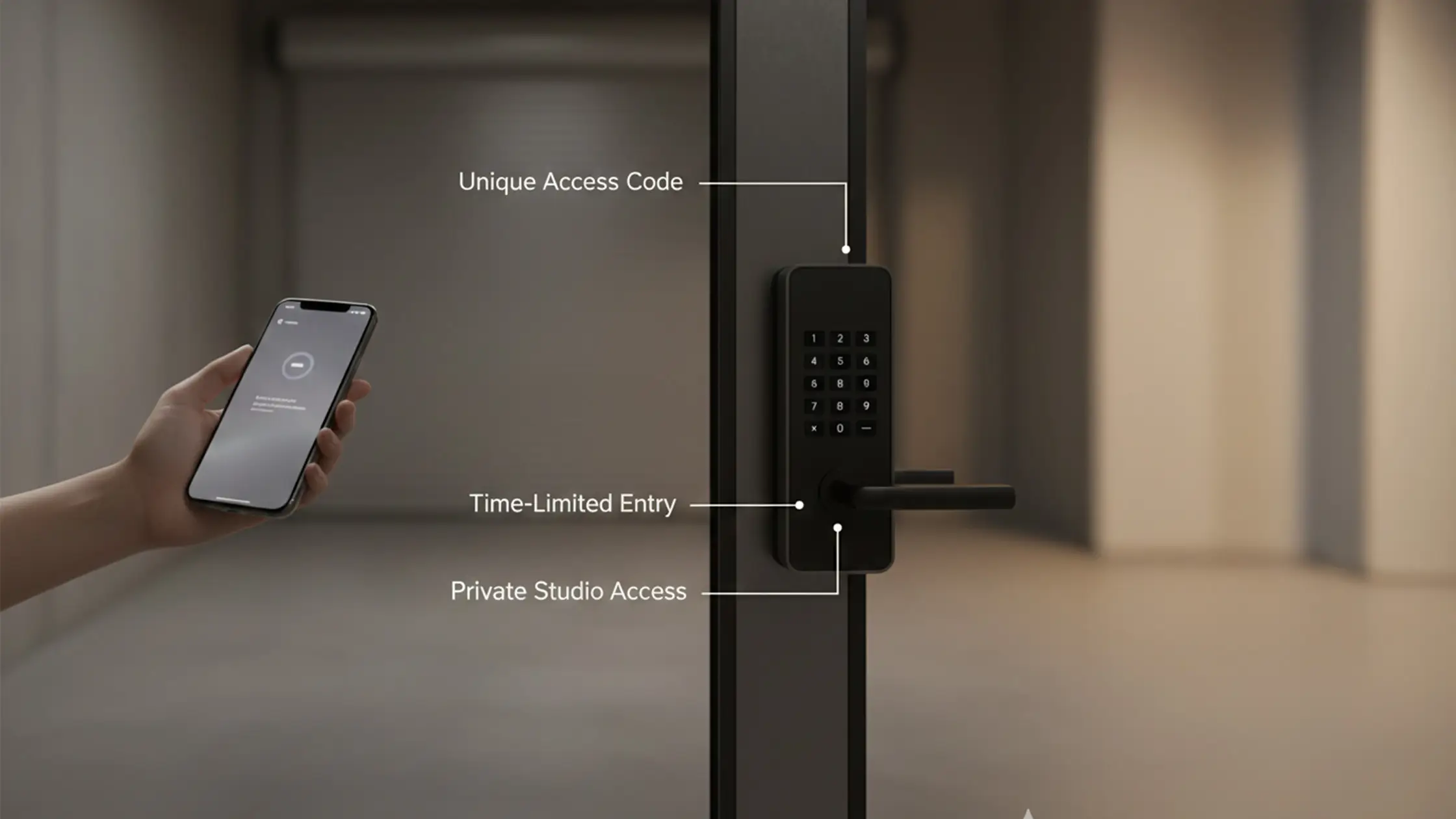
When you book online, our system talks directly to the studio door hardware so there’s no key handover or pickup. After your booking is confirmed we request a unique, time‑limited PIN from the access control system and deliver it to you. That PIN only works during your reserved session.

In practice, the code activates at your booked start time and stops at your session end, giving predictable, auditable access. The benefit is a smoother workflow — less coordinating, no physical keys and fewer interruptions to your shoot.

FlexiBook™: reschedule or cancel with ease

We know plans change. That’s why we offer a flexible cancellation and rescheduling policy:

  • You can reschedule or cancel up to 1 hour before your shoot start time with no penalty.
  • No calls required — use the link in your booking confirmation email to manage your reservation.

What to expect: from booking to studio entry

Here’s a practical walkthrough to make arrival and departure stress‑free. We include small details so you can focus on the shoot.

Your step‑by‑step guide to studio entry

  • Find your slot & book: View our pricing options and available times on the studio calendar, then complete your reservation with the online booking form.
  • Confirm & receive your code: After payment is approved our system generates your unique access code and sends it in your booking confirmation email (and via SMS if you opted in).
  • Prepare for arrival:
    • Save your confirmation email/SMS with the access code to your phone — having it handy helps.
    • Note your exact booked start time; your code activates precisely then.
    • Check the parking details below if you're driving.
    • See our full equipment list if you need specific kit.
  • Arrive at the studio:
    • Address: Unit 14/337 Bay Road, Cheltenham VIC 3192. We’re in an industrial estate directly behind Storage King on Bay Road. For detailed directions, visit our location page.
    • We provide 3 dedicated parking spaces directly outside the studio entrance, plus plenty of free street parking nearby (no meters or time limits).
    • Ground‑floor access through a 7‑metre garage roller door makes the studio wheelchair accessible.
    • Your code becomes active at your booked start time. We include 15 minutes of early access free of charge so you can arrive slightly ahead to unload and set up.
    • Enter your unique code at the keypad by the main entrance and allow a moment for the lock to release.
  • During your session:
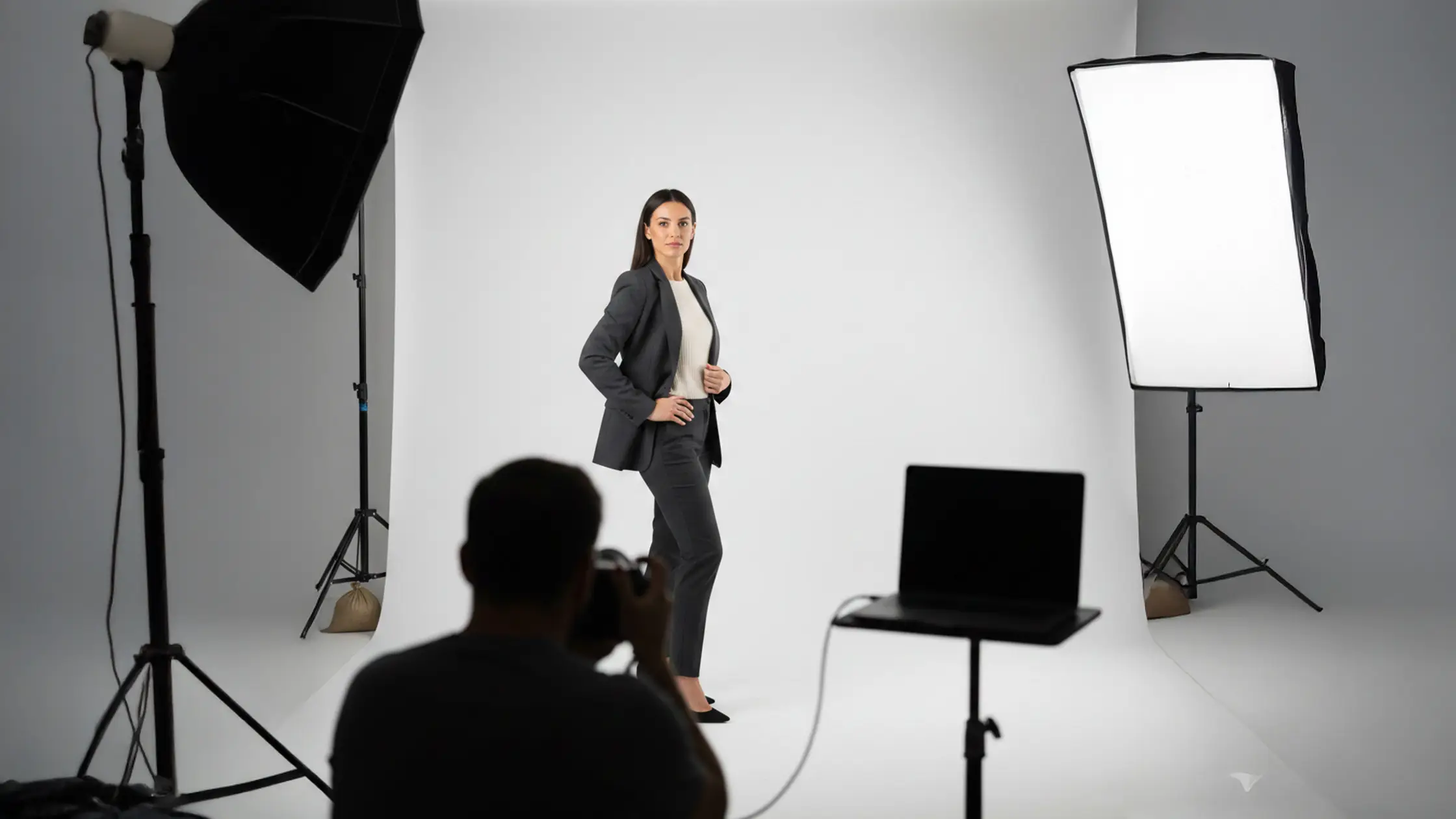
    • The studio is fitted with professional lighting, a cyclorama and a range of props. See our equipment page for full details.
    • Enjoy private use — we build in 1‑hour buffers between bookings so you won’t be rushed by the next client.
  • After your session:
    • Return equipment and props to their original places.
    • Please turn off all lights.
    • The door will lock automatically behind you when you exit.
    • You have 30 minutes of free pack‑down time after your booking ends. There’s no formal checkout — just leave the space tidy and ready for the next renter.

Booking & entry lifecycle at a glance

Booking Stage Confirmation Method Action Required
Reservation completed Email booking confirmation Check session details and note when access activates
Code generated & delivered Confirmation includes code or pickup instructions Save the code to your device; be ready to enter it on arrival
Pre-session reminder Automated reminder (if enabled) Verify arrival time and have your booking confirmation handy
Check-out logging Access event recorded in audit log Complete exit steps (tidy up, turn off lights)

Security & privacy: protecting your session

Our self‑entry system pairs clear policies with technical controls to protect you, your gear and your work. We design for privacy, traceability and a fast response when needed.

Unique, time‑limited codes: Each booking gets a unique PIN valid only for your session within our 7am–midnight operating hours — preventing reuse and keeping access aligned to your reservation.

Audit logging & monitoring: Every entry attempt — successful or failed — is timestamped. Authorised studio operators can review logs for investigations or dispute resolution, giving full traceability.

Remote revocation: If a booking changes or is cancelled we can revoke or reissue codes remotely so expired or invalid codes can’t grant access.

Hardware redundancy & maintenance: We use robust keypad hardware and perform regular maintenance to reduce failures. Remote monitoring lets us spot and address issues quickly.

Data minimisation & privacy: We only collect the personal information needed to confirm bookings and generate access codes. Access‑related data (codes, timestamps, entry logs) are kept for operational and security purposes only. Records are retained only as long as necessary for accountability and incident response, and role‑based controls limit who can view log data.

Security elements at a glance

Security Element Attribute Value
Unique codes Validity period Session-specific or single-use PINs (7am–midnight)
Audit trail Monitoring scope Entry timestamps and code usage logs
Revocation Response process Remote code cancellation on booking changes

Troubleshooting common access code issues

Our system is reliable, but if something goes wrong this quick checklist will help you get access without delay.

What to do if your access code doesn't work

If the keypad rejects your code, try the following:

  • Confirm your booking start and end times so the code is active during your attempt.
  • Re‑enter the code carefully, watching for leading or trailing zeros and any keypad quirks. Try a short pause between digits if the keypad is slow to respond.
  • Check your booking confirmation on your device to ensure the code you entered matches exactly; avoid copying non‑numeric characters.
  • Avoid rapid repeated attempts, which can sometimes trigger a temporary lockout.
  • If it still fails, call the support number in your booking confirmation email.

How to reset or request a new access code

Replacement codes are issued securely after we verify your booking and identity to prevent unauthorised reissuance.

To request a resend, email us at info@bohemiabaystudio.com.au Once we verify your booking, a new time‑limited PIN will be generated for the corrected session window. This usually takes minutes; additional verification may add a short delay.

Action Required Verification Typical Response Time
Request reissue Email info@bohemiabaystudio.com.au with booking reference Minutes to an hour (depending on verification)
Emergency override Proof of identity and booking details Depends on operator availability
Revocation on cancellation Booking cancellation confirmation Immediate once cancellation is processed

Frequently asked questions (FAQ)

What should I do if I forget my access code?

First, check your booking confirmation email or SMS — the code is included there. If you can’t find it, email us at info@bohemiabaystudio.co.mau to request a new code. We can usually issue a replacement within minutes after quick verification.

Can I share my access code with someone else?

We don’t recommend sharing your code. Each code is unique and time‑limited to a specific booking. Sharing can allow unauthorised access and compromise the privacy and security of your session and the studio.

What happens if I arrive late for my booking?

If you arrive late, your code will generally remain valid until the end of your reserved session, but you’ll lose any time missed at the start. To avoid this, arrive within your window or use the 15 minutes of free early access to set up.

Are there any additional fees for using the self‑entry system?

No — self‑entry is included with your booking. Check the studio’s terms and conditions for any fees related to late arrivals or cancellations.

What should I do if the keypad is not responding?

If the keypad is unresponsive, first confirm you’re entering the correct code during the activation window. If it still won’t respond, wait a moment and try again. If problems continue, check for visible damage and contact studio support; operators can often troubleshoot remotely or provide an alternative entry method.

Can I change my booking after receiving my access code?

Yes. Our flexible booking policy lets you modify reservations in most cases. If you change your booking, a new code will be issued for the updated session time and your old code will be automatically deleted. Always confirm changes via your booking link so you receive any new access details.

Book your session now

Ready to book your session?

Try the convenience, security and flexibility of Bohemia Bay Studio’s self‑entry system on your next creative project.

View Studio & Pricing
Arrow Right WhiteArrow Right White
Check Availability
Check Availability
Arrow RightArrow Right
Slot Icon

Aarticles & Insights

Explore More Insights from  The Studio
Explore more guides, tips, and behind-the-scenes insights to help you shoot with confidence, whether you’re in our studio or planning your next project.